Website Update

We are reviewing and upgrading our website.
This will be happening over the next few months, and will include receiving and incorporating input from all club members as appropriate.
Should you have any suggestions on our website please let your Executive know.
Email suggestions to us here with the words “WEBSITE” in the subject line.

Questionnaire

A questionnaire has been created to provide feedback from Kanata Seniors Centre Camera Club members which will help determine content for future meetings and workshops.

This questionnaire was available at the meeting on January 5th. Copies are also available here, and at the Kanata Seniors Centre front desk.

Completed questionnaires can be dropped off at the Kanata Seniors Centre before January 15th or at the meeting on January 5th.

Thank you for your participation.

Your Camera Club Executive

Add Rain to an Image

Stormy Weather was the recent monthly photo topic. Amy Lo had taken this picture:Original - Rain free

but it didn’t match with the topic so she added rain using Photoshop Elements version 11 and got this picture:Slippery Rain by Amy Lo

which she submitted. You can click on the above thumbnails to see larger versions of both images. If you want to see the intermediate steps, you can download Amy’s Photoshop Elements .psd file by clicking here then clicking on the blue Download button.

Amy used the technique shown in this video tutorial which she summarized as follows:

  1. Open picture with Photoshop Elements
  2. Create new layer and name it Rain
  3. Paint layer with black
  4. Go to Filter, then Add Noise and set Amount: about 30 percent, Gaussian and Monochromatic
  5. Go to Filter then Gaussian blur and set Radius: about 0.5 pixels
  6. Using the Layers Menu and while pressing <Alt> add a Levels adjustment layer
  7. Make sure to click “Use previous layer to create clipping mask”
  8. Adjust the white and black level triangles until happy with the # of dots
  9. Go back to the Rain layer and select Filter then Blur then Motion. Try Angle: 60 or 75 and Distance: 15 or 20 pixels.
  10. Change the blending mode of the Rain layer to Screen and keep adjusting the level to get satisfactory rain effect.

Thank you Amy for sharing.

Getting Your Camera Out Of Full Auto Mode

Here are some videos with tips on getting your camera out of full Auto Mode presented at the December 1st meeting:

Phil Tughan


Winter Photo Challenge

Red by Ron Pierce
Red by Ron Pierce

Are you looking forward to getting outside this winter and taking some outdoor photos in the blowing snow, freezing temperatures and dim light? No? Then, maybe you would rather take some indoor photos where it is warm and cozy and your fingers and toes are not frozen.

Does the lack of light in the winter months leave you uninspired and lacking motivation?  If so, why not join us in our Winter Photo Challenge.

This 8-week Challenge is open to all KSCCC Members of all skill levels. Any type of camera and any type of post-processing technique can be used.

Topics (see new Challenge page on our website or table below) can be photographed either indoors or outdoors.  Each topic addresses a unique subject.  Each topic may inspire you to take a photograph in a different way using different techniques.  The goal of the Challenge is to try something new that may inspire you.

All you need to do is photograph one topic each week and send your one photo to us by the due date.  For example, if you take a photo during the week starting January 6th, the only requirement is that the topic be “Food” and the photo be submitted by noon on January 12th (see table).

If you can’t take a photo in a particular week, then take a photo in a week that you can. Again, the only requirement is that you take a photo that addresses the topic for that particular week and send it in by the due date.

Submit photos in the regular way using our Club’s e-mail address, with the words:

CHALLENGE  WEEK  #

in the subject line (where # is replaced with the appropriate week number) and naming the file with the week number and the your name for example:

CHALLENGE  WEEK  1  by  Ron  Pierce.jpg

During the Challenge period, all submitted photos will be posted in special galleries linked from the Challenge page on our website. At the end of the Challenge, photos will be compiled into a video that will be shown at our March meeting.

Photo challenges are a great way to look at new subjects in unique ways and to try different techniques.  Inspiration can often be found in the most mundane subject.

If you have any questions, please contact me by email.

Ron Pierce

WEEK START DATE TOPIC DUE DATE
1 Monday, Jan 1 Light(s) Friday, Jan 5
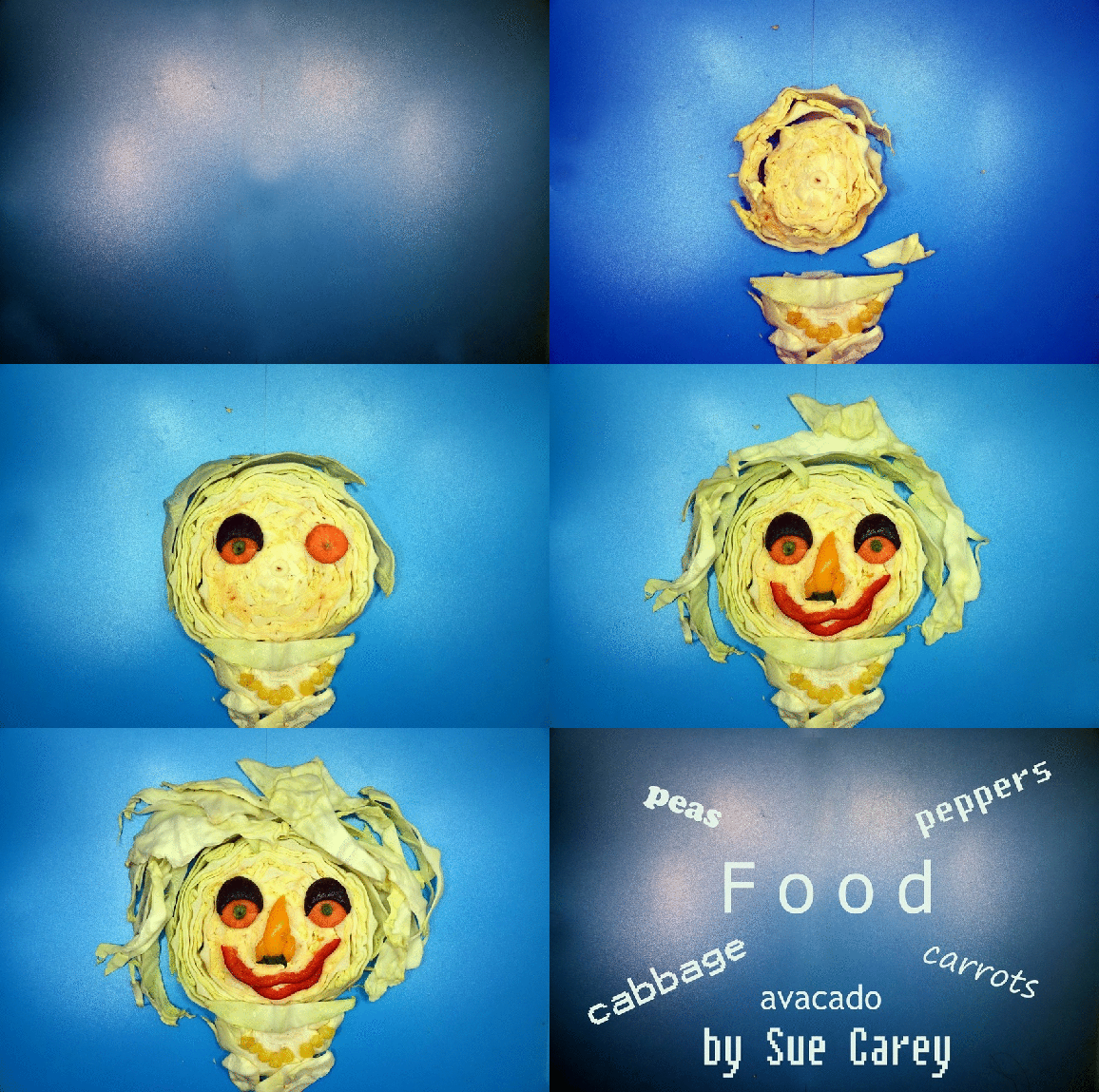
2 Saturday, Jan 6 Food Friday, Jan 12
3 Saturday, Jan 13 Reflections Friday, Jan 19
4 Saturday, Jan 20 Frozen Friday, Jan 26
5 Saturday, Jan 27 Still Life Friday, Feb 2
6 Saturday, Feb 3 After Dark Friday, Feb 9
7 Saturday, Feb 10 Red Friday, Feb 16
8 Saturday, Feb 17 Circles or Curves Friday, Feb 23


Monthly Meeting December 1st

The next Camera Club meeting will be held on Friday, December 1st at 9:15.

Our meeting will include:

  • Slide show of Member Images from the “Stormy Weather” Assignment
  • Phil’s Tip of the Day on “Getting out of Auto Mode”
  • Presentation on Wild Life Photography by Joe Silverman
  • Review of Chosen Photos
  • Announcements and Closing Remarks

Your images for the assignment must be emailed by noon on Friday, November 24th to be included in the slideshow. For details on how to submit photos including formats and titles go here on our website Galleries page.

The next assignment is  “Picture that Tells a Story” and pictures from this assignment will be shown at the January 5th meeting.

See you at the meeting.

Your Camera Club Executive

Tips For Holiday Pet Photography

Here are some good tips on holiday pet photography from Olympus.

During the holidays, people love to photograph all of the family and friends they hold dear. For many people, this includes their beloved pets. Taking pet photos can be a struggle – they can move around even more than children, but without the ability to understand when you say, “Just one picture – say cheese!” Here are some tips to make your pet photography easier.

Frank Knor

Ottawa Golf Photo Contest – September 2017 Winner

Gatineau GC Par 3 Hole 12 [7076] v2
Gatineau GC Par 3 Hole 12 by Ed Lascelle
To my absolute amazement I recently won a photo contest.

A little background first. Ottawa Golf provides local golfers with up to date information on our local courses (any deals etc.). Further the Ottawa Golf web site runs a monthly photo contest and I thought I’d give it a go with my first ever submission . It’s open to amateur photographers with emphasis on golf landscape shots.

In September I was golfing at the Gatineau Golf Course and had my new portable Panasonic Lumix ZS 50 with me. The picture I submitted was taken at the Par 3 12th hole; I angled the shot for a bit of foreground to make it look different from most landscape golf shots. It seemed to work. Of the almost 50 September entries, this photo was chosen and I’m still in shock. Definitely a confidence builder and it certainly suggests we shouldn’t hesitate to expand our photo horizons. I think my picture taking is getting better but my golf is going the other way.

Ed Lascelle