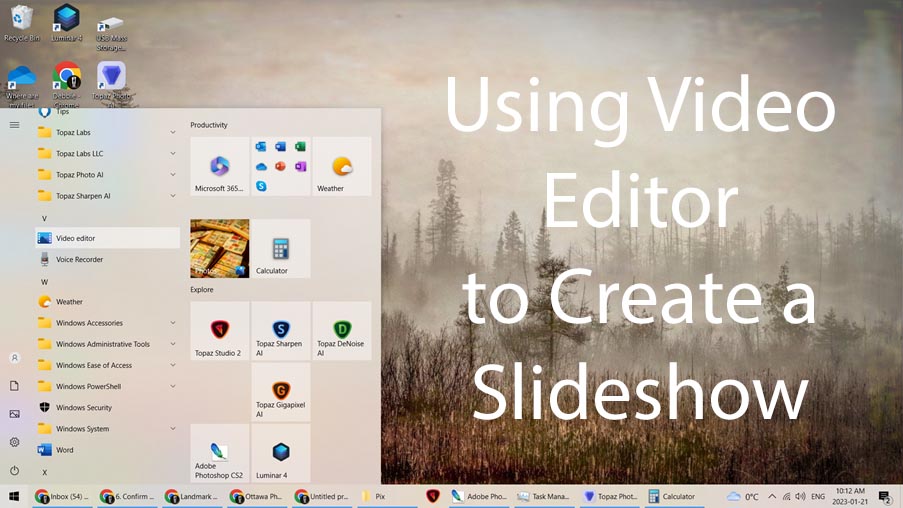
The slides from Debbie Pinard’s excellent presentation on using Windows Video editor to create a slideshow are available here.
You can watch the “Winter Fog” video she created here.

The following is a list of software and instructional videos that members could use to make slideshows. This list is by no means exhaustive. Note: You should always have updated virus protection before installing any software.
For instructions on sending in a slideshow refer to our website menu Pictures/Make a Slideshow.
Photoshop Elements by Adobe. There is also a link at the top of the page to download the trial version before purchasing the software.
Power Director 365 for Windows or Power Director 365 for Mac by Cyberlink
IrfanView for Windows free software
Splice free software
Animoto free software for the basic version.
The following is a list of instructional videos that may help you to make slideshows using Apple products.
Older versions of MacOS
Newer versions of MacOS
Keynote free software for MacOS 10.15 Catalina or later.
If you’re going to publish your slideshows online on where they’re publicly accessible you have to use royalty free or copyright free music, otherwise you may be liable for copyright violation.
Catherine Easton has been doing our camera club slideshows and since COVID they’ve been posted to the club’s YouTube channel. When asked where she was finding the music, she said:
I did a google search on the subject of Royalty Free and Copyright Free music — and lots of sites come up. These are two that I’ve explored and downloaded some tracks:
You have to be prepared to spend an hour or two researching the various pieces of music — there is a reason why some of it hasn’t made the “top 100 list”. However, I’ve managed to get a collection of a dozen or so pieces that should keep me going for the 2020/2021 season of slide shows.
Catherine Easton
This is the third of three videos that show how easy it is to make a slideshow using the Photos program that is built into Windows 10. We’ll continue with the slideshow from last time and:
Bill Robertson
This is the second of three videos that show how easy it is to make a slideshow using the Photos program that is built into Windows 10. We’ll continue with the slideshow we started last time and:
Bill Robertson
This is the first of three videos that show how easy it is to make a slideshow using the Photos program that is built into Windows 10. In this video we’ll find and run the Photos program, add images, preview our creation, and save our slideshow as a video.
Bill Robertson
We’re starting a series of posts on how to make your own slideshows in hopes than more club members will be inspired to submit slideshows to share at our meetings like the one Debbie and Catherine shared at our December meeting.
The guidelines are here and there’s a (slightly out of date) post here.
We’ll be providing information on how to find royalty free music, on making slideshows with Windows, and with Apple devices.
Stay tuned…
Here are some videos on how to create a slideshow using different programs:
Carol’s presentation is here.
Phil Tughan and Carol Brown
At the February 5th meeting, Catherine Easton showed 2 slideshows she had made. The first was done using the PicturesToExe program (Essentials: $69, Deluxe: $129) and the second using Microsoft’s free program Windows Movie Maker. Note that this was the first slideshow Catherine created with Movie Maker.
Well done Catherine and thank you for sharing.
If you have a short (3 minute or less) slideshow you’d like to share at a future meeting, please let us know by emailing us here.
 Kanata Seniors' Centre Camera Club