Manfred Mueller gave an excellent presentation on sharpening at our December 6th meeting. To review his slides, click here.

Manfred Mueller gave an excellent presentation on sharpening at our December 6th meeting. To review his slides, click here.
Here’s an interesting video that refutes some of the arguments against editing the images we create.
Club member Manfred Mueller pointed out these two images as a counter argument to the evils of post-processing.
This is Ansel Adam’s iconic Moonlight – Hernandez, New Mexico (which he made at least 1,300 prints of)…

Then of course, there is always the contact print of the original negative…


The October Fix My Pic images presented at our November 1st meeting are here.

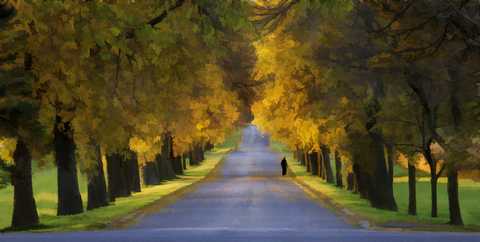
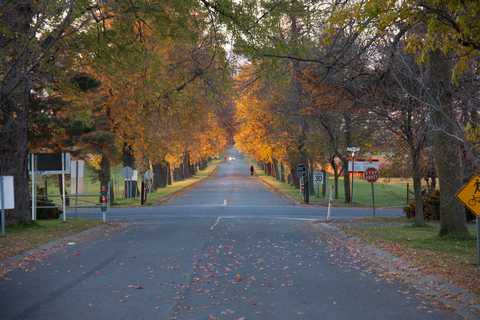
The image for Fix My Pic is now available here or, if you prefer to work from a raw file, here.
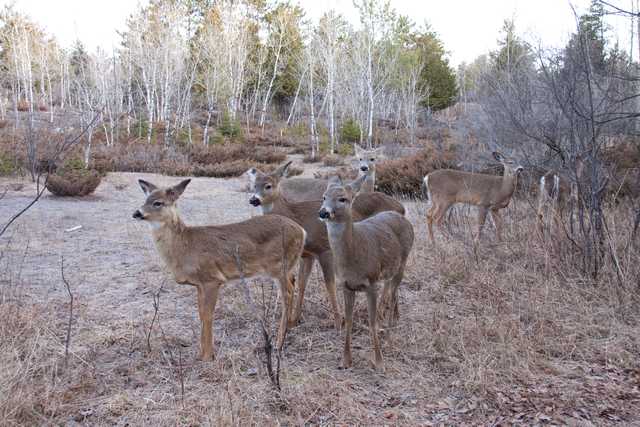
A few changes for this month and on an ongoing basis. Firstly, there will be a cut off date for submissions and it is the same date as for the Monthly Challenge – in this case – Friday, October 25th.
Images must be emailed to the regular club email address: contact@ksccc.ca
Members submitting images will be asked during the meeting to share their reasons for why they made a change and how they made the changes.
Submissions should be renamed to:
Farm by {your name}.jpg
And finally, Fix My Pic will be every 2 months, alternating with the Tip of the Day.
John Williamson
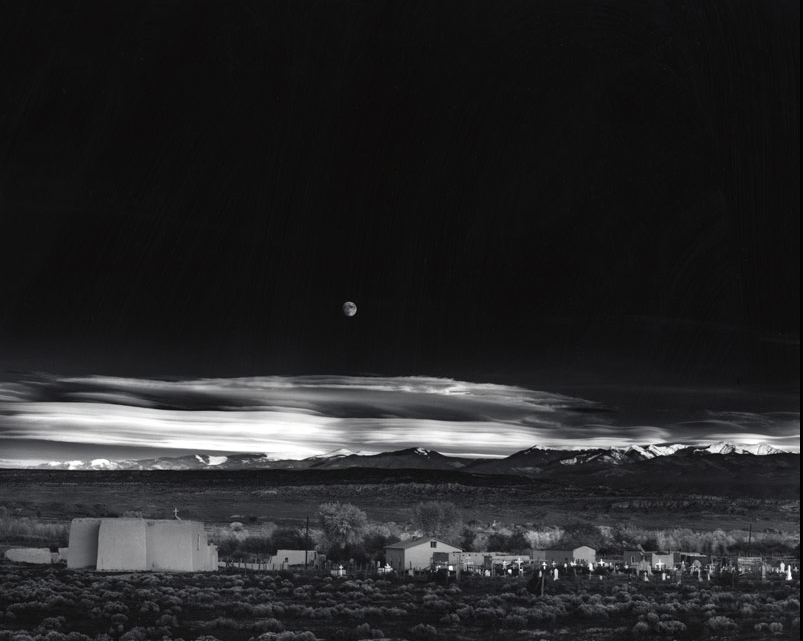
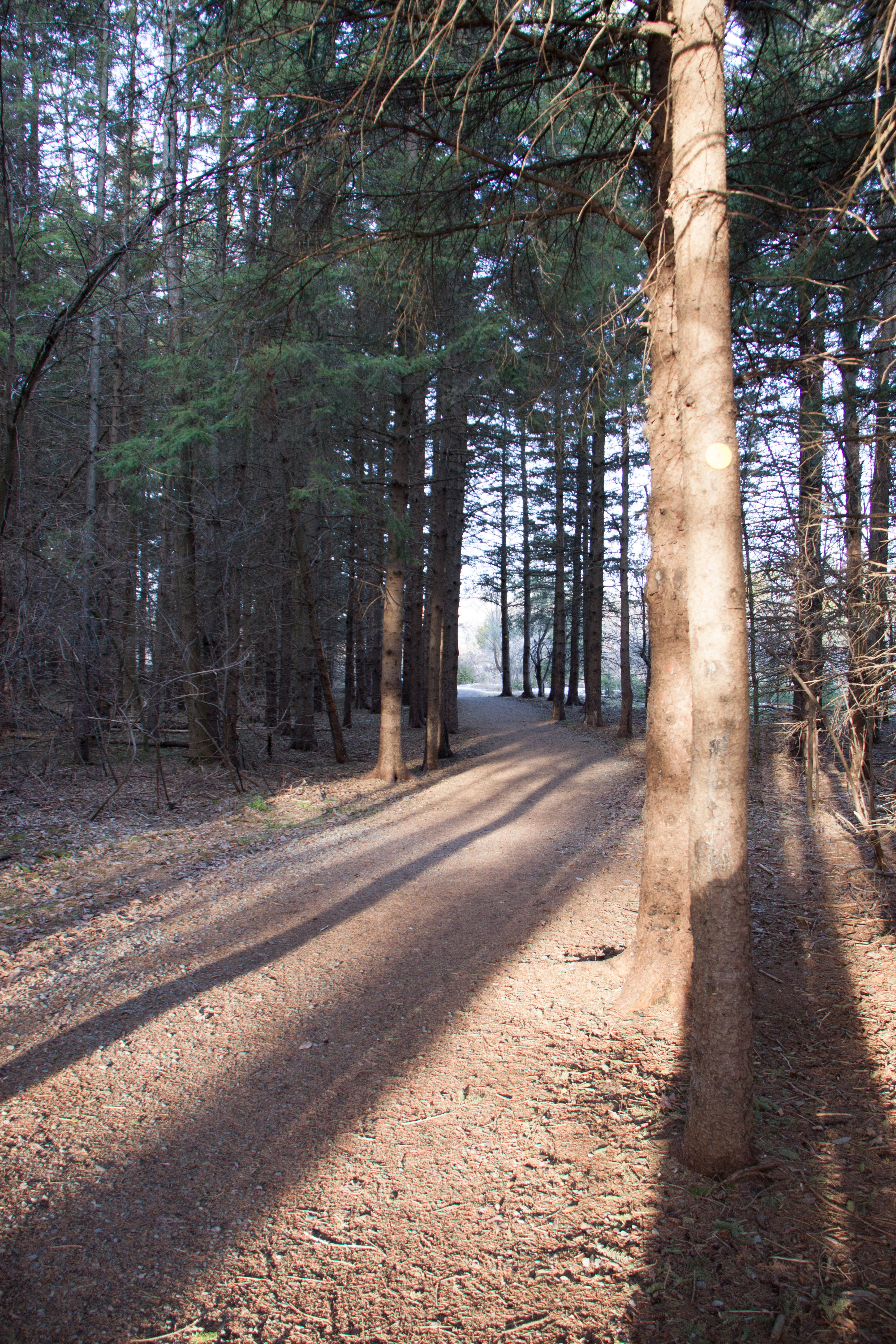
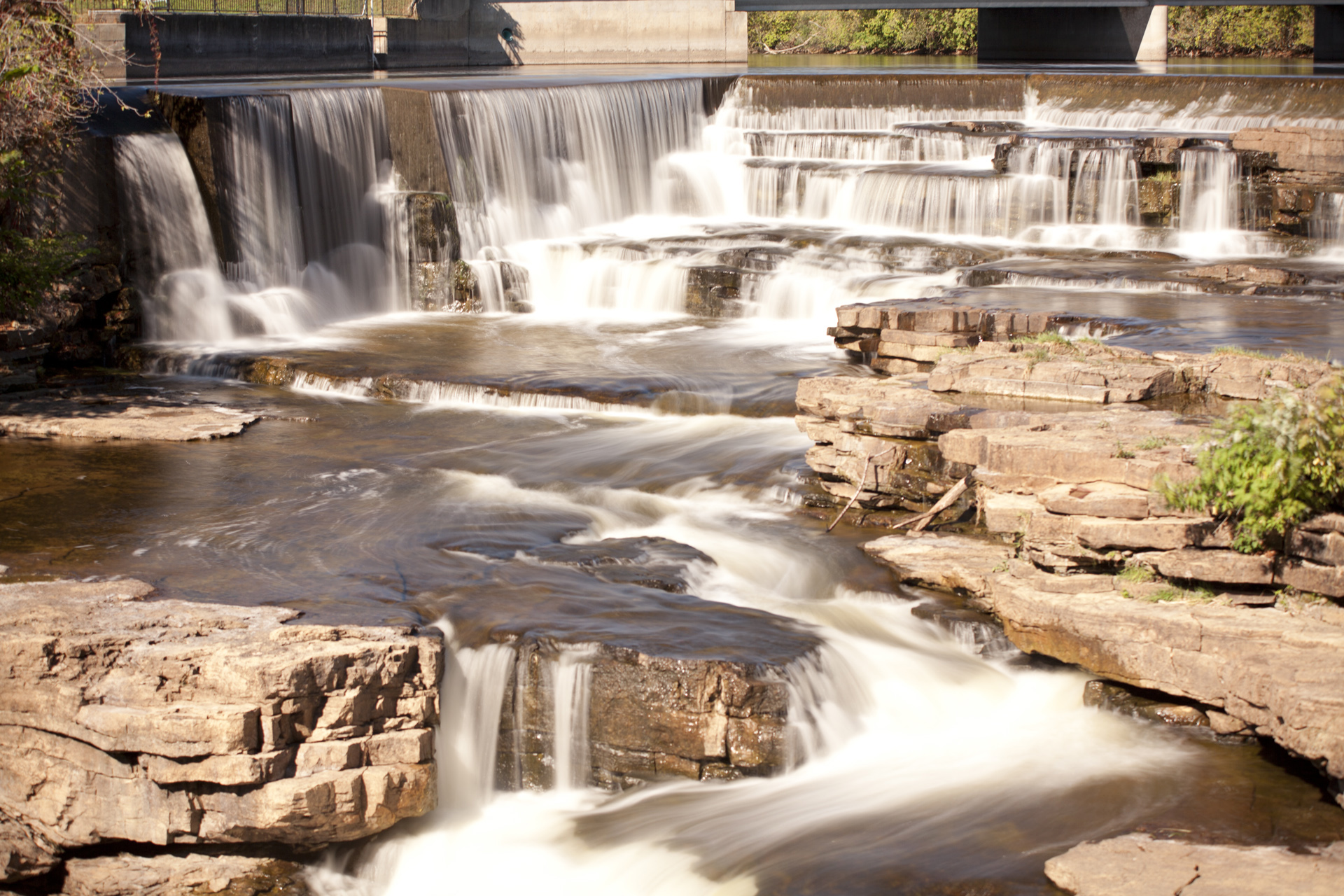
In order to encourage members to tune up their editing skills, the Club has started a new program. Download the picture here, edit it any way you want and send one version of your final image to jlwksc@rogers.com. Prior to sending, rename the image to:
Forest by (your name).jpg
We will show all of the images at the following meeting and we will also present the version of the photographer.
No rules, edit it any way you want, and submit one image to the email address above.
There are thousands of these and I would encourage you to do your own searches and look until you find a site where the tutorials and presentation are to your interests.
John Williamson

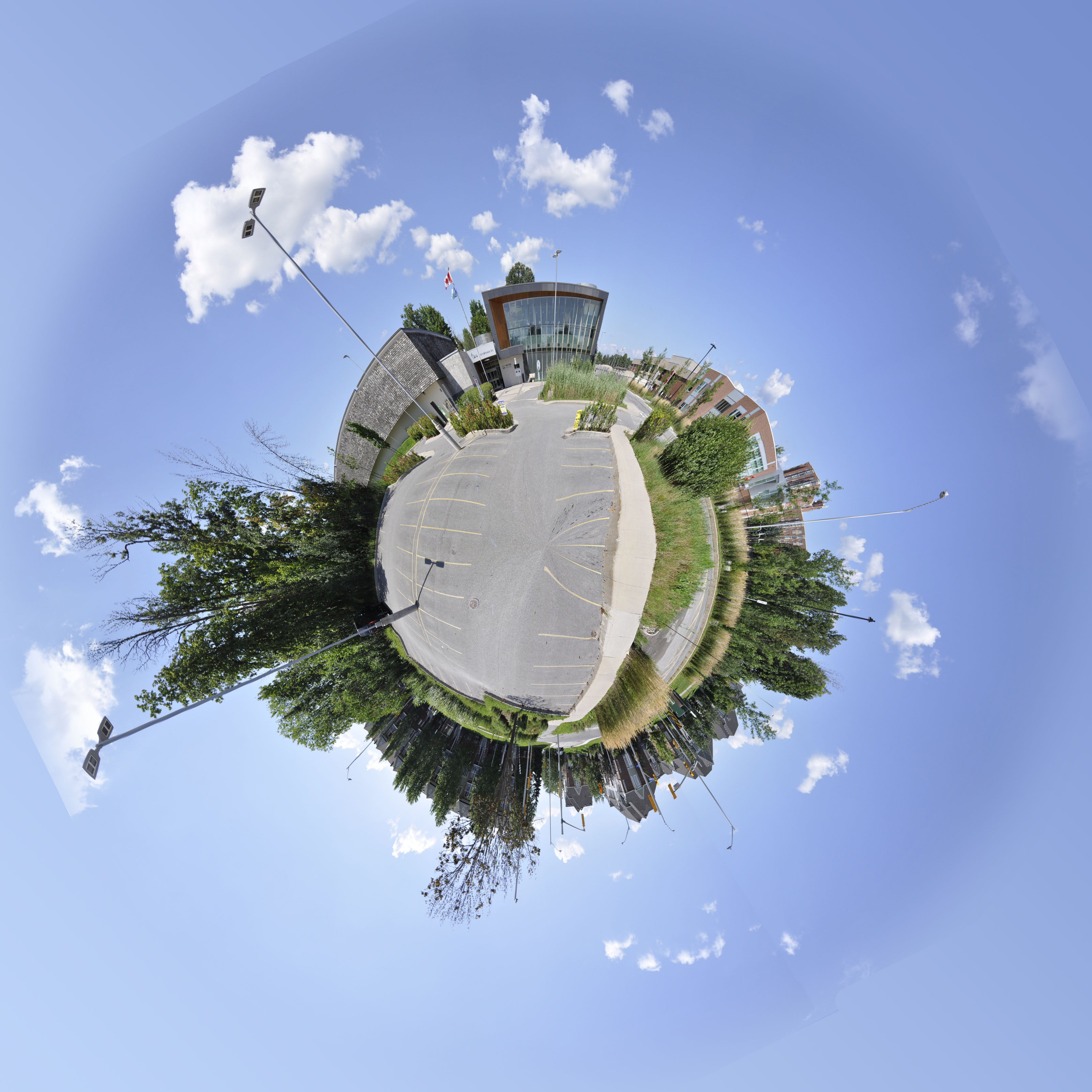
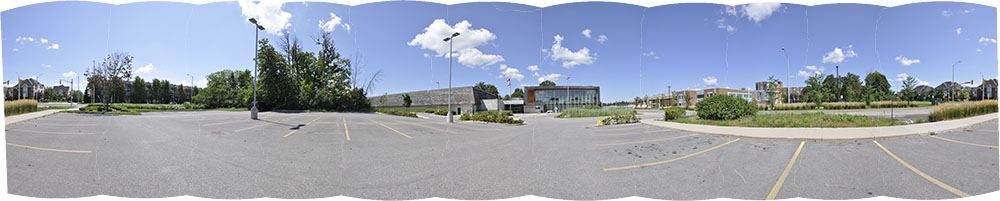
For the September meeting slideshow, I submitted an example of a “Tiny Planet” image that I made of the Beaverbrook Library. In the review, I asked for suggestions about other locations that would make good Tiny Planets.
I received a couple of good recommendations but more members asked how I did it.
First I shot a 11 image 360 degree panorama then I followed these steps in Photoshop:


If you have any questions about how I did this, I’ll be glad to try and answer them.
There’s a great video here by Mike Browne (thanks to Phil Tughan for bringing him to our attention) that demonstrates the whole process.
Bill Robertson

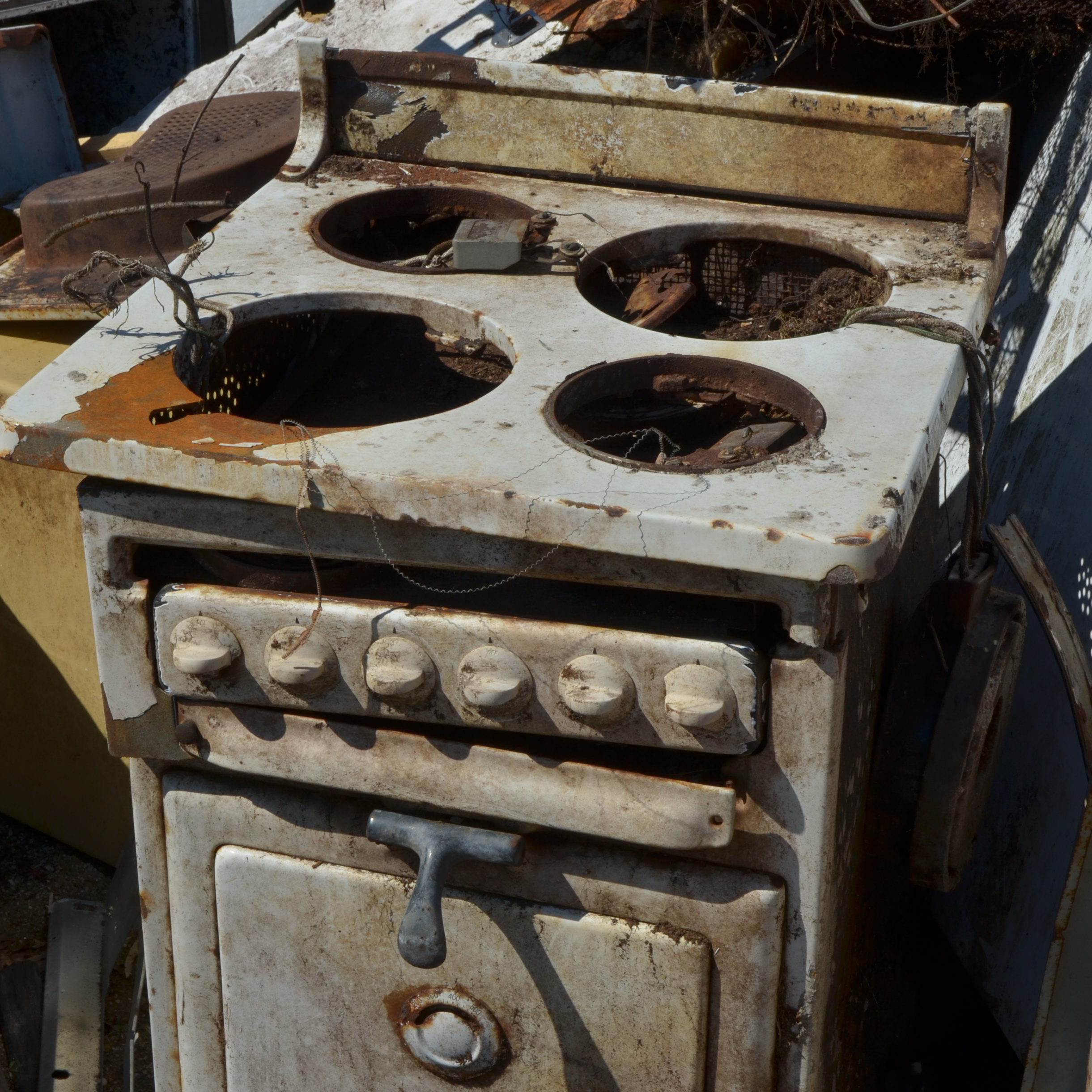
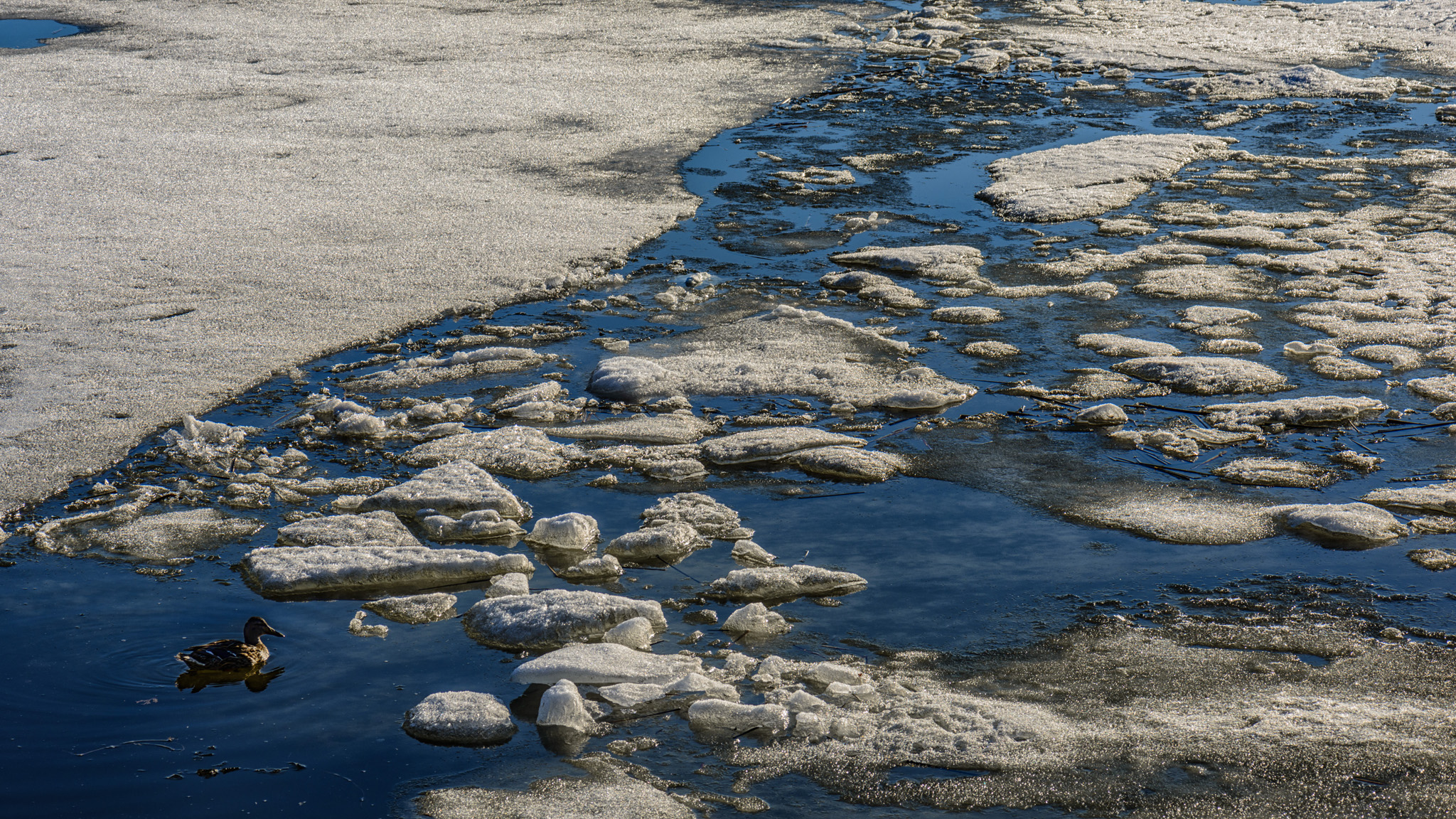
The gallery of images from May’s The 3 As: Aged, Antiqued or Abandoned assignment is now online here.
Our recent monthly photo assignment was about making an image look like it was taken years ago.
During the review, Ron Pearce explained how he composited his original image:

with this texture:

and this photograph of an antique photo mat:

to come up with the image he submitted .
If you have Photoshop, an easy way to make an antique version of an image is described in this video by Gavin Hoey. He provides a Photoshop Action and a collection of brushes (which can also be used with Photoshop Elements) which I used to create my submission.
Carol Brown created her own texture by photographing a crumpled brown paper bag, and adding it as a transparent layer using Photoshop to create her submission.
Several members reported that they used the Time Machine effect in Corel’s Paint Shop Pro to make antique versions of their images. A 30 day free trial is available if you want to try it out.
Bill Robertson