
The gallery of images from April’s Spring assignment is now online here.
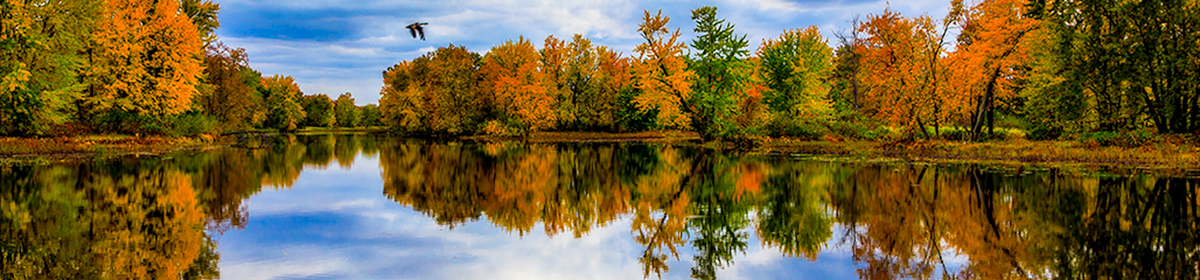
Our recent monthly photo assignment was about making an image look like it was taken years ago.
During the review, Ron Pearce explained how he composited his original image:
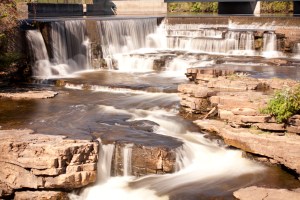
with this texture:

and this photograph of an antique photo mat:

to come up with the image he submitted .
If you have Photoshop, an easy way to make an antique version of an image is described in this video by Gavin Hoey. He provides a Photoshop Action and a collection of brushes (which can also be used with Photoshop Elements) which I used to create my submission.
Carol Brown created her own texture by photographing a crumpled brown paper bag, and adding it as a transparent layer using Photoshop to create her submission.
Several members reported that they used the Time Machine effect in Corel’s Paint Shop Pro to make antique versions of their images. A 30 day free trial is available if you want to try it out.
Bill Robertson
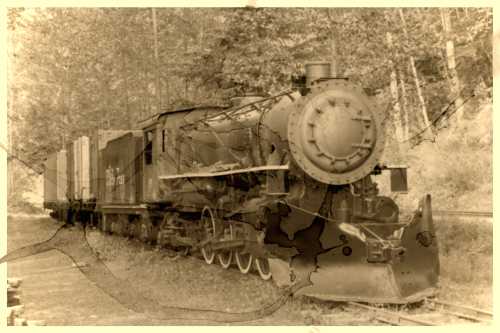
The gallery of images from March’s Old Images is now online here.
RicharD Murphy has provided a copy of the slides from his March 2nd presentation on Digital Asset Management which you can review here.
He also made these recommendations for bulk file renaming programs:
Thanks again RicharD.
Stormy Weather was the recent monthly photo topic. Amy Lo had taken this picture:
but it didn’t match with the topic so she added rain using Photoshop Elements version 11 and got this picture:
which she submitted. You can click on the above thumbnails to see larger versions of both images. If you want to see the intermediate steps, you can download Amy’s Photoshop Elements .psd file by clicking here then clicking on the blue Download button.
Amy used the technique shown in this video tutorial which she summarized as follows:
Thank you Amy for sharing.

Ron Pierce submitted this great image of swirled flowers in response to the summer garden assignment. He’s prepared a note for us explaining how it’s done. Inside his note are links to even more detailed instructions. Thanks for sharing Ron.
At the recent Camera Club executive meeting, Brenda Smith mentioned Julieanne Kost as a good source of tips about Lightroom and Photoshop.
She has many free tutorials on her web site where she also lists several courses she has on Lynda.com. See this post for information on how to access the Lynda.com courses for free.
Thanks for sharing the great tip Brenda.
CreativeLive is presenting a free, 4 week long course on Adobe Lightroom.The course, which started Monday April 4th will cover:
The course is streaming live each day for free and will be available later as a download for $129US.
If you missed our recent “Learn your camera” workshop, don’t despair. Before every monthly meeting the Mentors are available to help you with issues you have with your camera. They are also there to help you improve your photography with ideas on composition and post processing. Between meetings they can be reached by phone and email.
One-on-one help is also available from the Seniors Council Computer Tutors on topics such as:
One hour sessions can be booked at the front desk for $8. Three one hour sessions can be booked for $20.
Since Mother Nature won’t be providing snow any time soon, this article from the Picture Perfect web site, on how to add snow to an image might come in handy. They use Photoshop but the techniques should worrk just as well with Photoshop Elements.

