Click here to see a slideshow of the first four weeks of our recent winter challenge with themes: Light, Food, Reflections & Frozen.
Ron Pierce
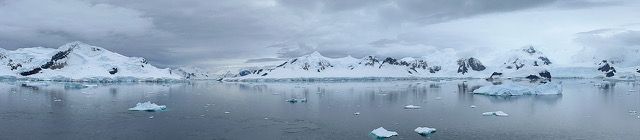
Click here to see a slideshow of the first four weeks of our recent winter challenge with themes: Light, Food, Reflections & Frozen.
Ron Pierce
The new gallery of this week’s submissions for week 8 of our Winter Photo Challenge – Circles or Curves is now online here.
Joint us on March the 2nd for a presentation by RicharD Murphy on Digital Asset Management — maintaining a library of digital image.
 Having lived in Kanata since his early childhood, RicharD first began in photography while attending the Earl of March S.S. where he was encouraged by his very patient art teachers. To further his photographic education, RicharD moved to London, Ontario and studied at Fanshawe College where he specialized in large format, commercial product photography, and experimented with a new, developing means of photographic expression: digital imaging.
RicharD has worked in Ottawa’s photographic industry for over twenty years in such areas as custom photographic printing by hand, corporate portraiture, commercial magazine photography, and technical imaging for national heritage organizations such as Library and Archives Canada and the Canadian Museum of Civilization. Through these and other activities, RicharD has continued to expand and share his knowledge of photography.
Focused mainly now on the fine art side of his craft, RicharD is inspired by the resilience and grace of nature, and specializes in landscape and found still life photography. With a mix of both traditional techniques and modern equipment, RicharD has found the means to more effectively realize the world as he sees it, and strives to create images that show a classic and timeless beauty. Having been formally schooled in photography before the days of digital cameras, RicharD still enjoys using film to capture the body of the image. These images are then brought to life via computer and then printed on various media including wood, canvas, & fine art papers.
To see examples of his work, visit his website.
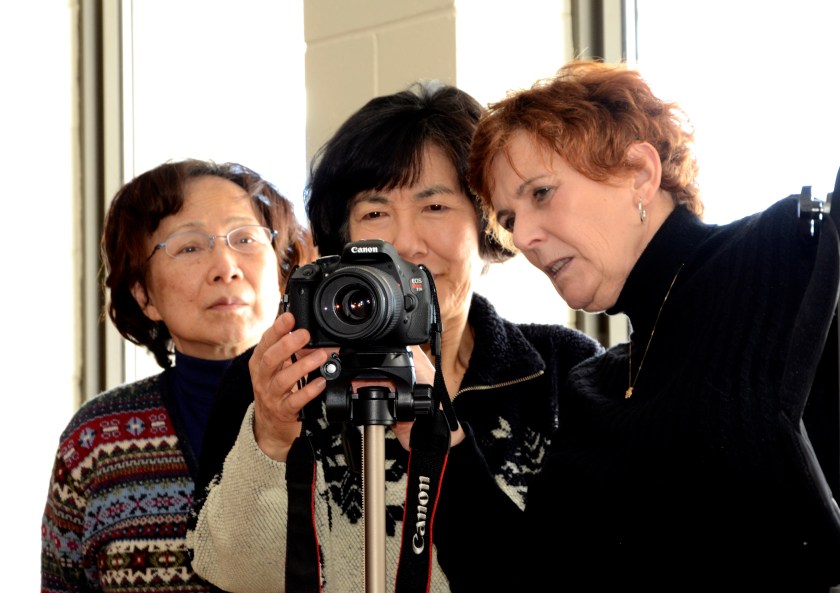 We have been offered the following times to meet for portrait workshop sessions at the Kanata Seniors’ Centre:
After the Camera Club meeting on April 6th, people interested in participating could meet and discuss how they would like the sessions to be organized. One suggestion would be to divide into groups of three for the first session and practice on each other with regards to lighting etc.
May and June we could sign up Senior Centre members and offer free portraits.
For more information, please email me here.
Sue Carey
The next Camera Club meeting with be held on Friday, March 2nd at 9:15 a.m.
Our meeting will include:
Your images for the assignment must be emailed by noon on Friday, February 23rd to be included in the slide show. For details on how to submit photos including formats and titles go to the How To Submit Photos section of our Galleries page.
The next assignment is Old Photographs and pictures from this assignment will be shown at the April 6th meeting.
See you at the meeting.
Your Camera Club Executive
The new gallery of this week’s submissions for week 7 of our Winter Photo Challenge – Red is now online here.


Join us Friday morning February 23 at 9:00 am for a special opportunity to photograph inside the new Beaverbrook Branch of the Ottawa Public Library. We will have the library to ourselves until 10:00 when the branch opens to the public.
Shoot interesting interiors and architecture.
Bring your tripod for low light shots.
See you on Friday.
The new gallery of this week’s submissions for week 6 of our Winter Photo Challenge – After Dark is now online here.


Henry’s Kanata is holding a series of morning seminars:
By donation. All proceeds go to the DragonFly Programme for learners with Down syndrome. For more details, contact the store.
The new gallery of this week’s submissions for week 5 of our Winter Photo Challenge – Still Life is now online here.
 Kanata Seniors' Centre Camera Club