Camera club members please note the Portrait workshop scheduled for 3 May is postponed and the session scheduled for June 5th is cancelled.

There will be a full day portrait session, Thursday, 31 May at the Kanata Senior’s Centre, 9 – 3:30
There will be an opportunity:
To Help
To photograph
and/or
To have your portrait taken.
There will be three lighting locations set up for you to experience. It will be a one-on-one opportunity for 15 – 30 minutes in each location. Each location is different. In two you will be able to use your own camera. The third is a demonstration of what can be done with a particular lighting set-up.
You may sign up for the morning, afternoon, or all day.
As well as taking portrait of each other, there will be Kanata Senior’s Centre members invited to have a free 5×7 portrait.
If you are a photographer you will be asked to email your model, print ready 1-4 of the portraits. Help will be provided.
Help is need with set-up, tear down, meeting and greeting people, organizing name tags and email addresses. There will be lots to do, learn, and time, to meet other camera club members in a fun and supportive environment.
In order to know how many people are interested there will be sign-up time sheets (or by emailing Sue Carey) to help, to photograph, and/or to have your portrait taken. You can sign all three sheets, and enjoy the day.
More information will be available at the May 4th camera club meeting or by contacting Sue Carey: careysj@hotmail.com.
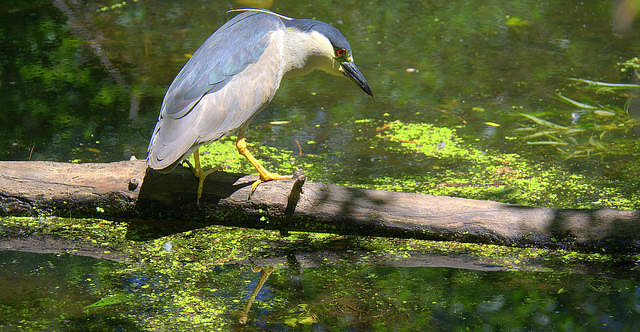
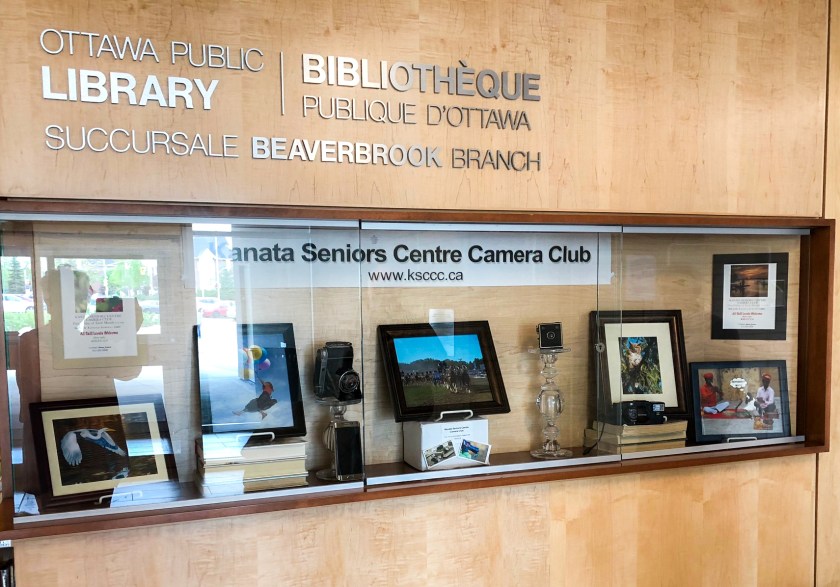 Thanks to Ed Lascelle for organizing, to Anne Jones for helping with the setup and the props (lovely glass pedestals), for Sue Carey for loaning the great old cameras, and to all who contributed images. Unfortunately there wasn’t enough space to use them all.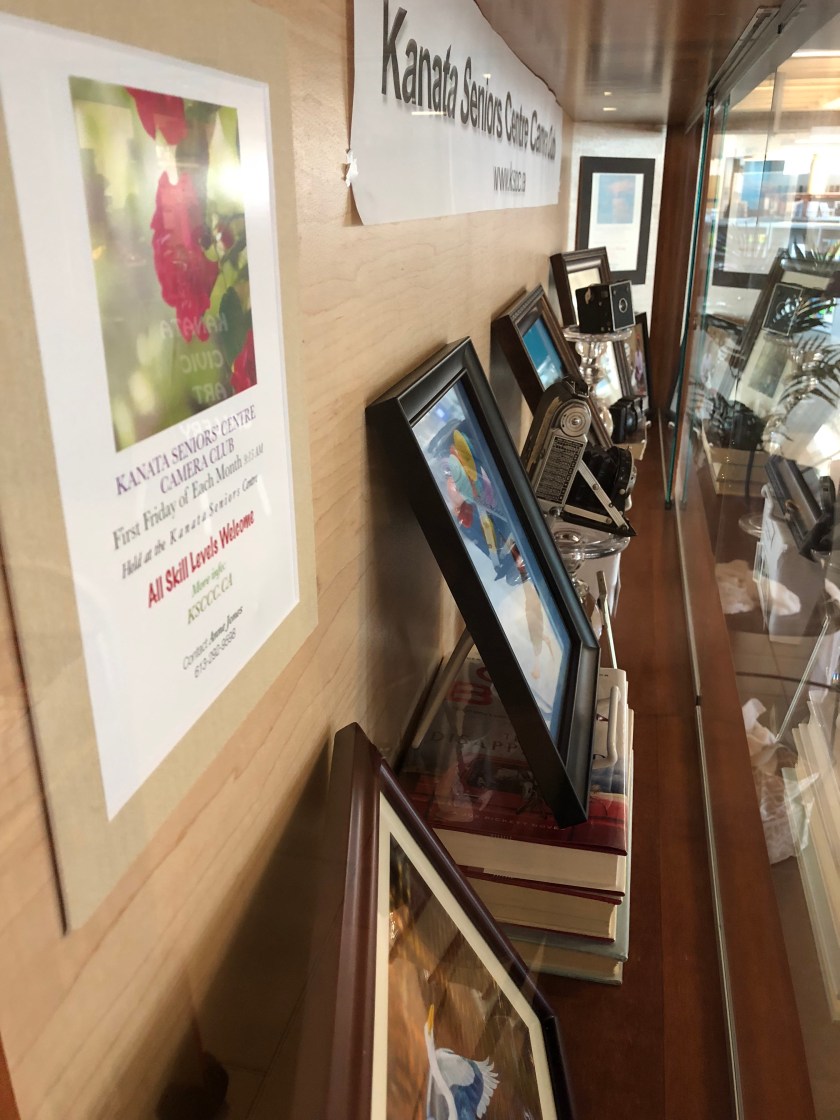

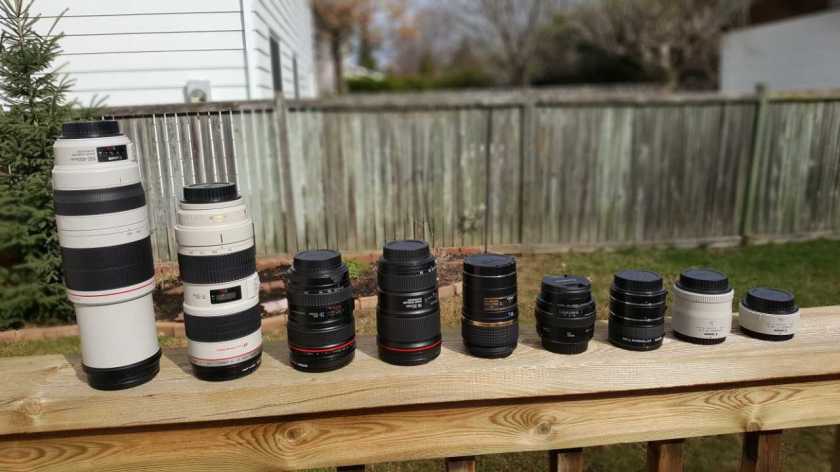 Here are some videos I chose with tips on choosing the right lens: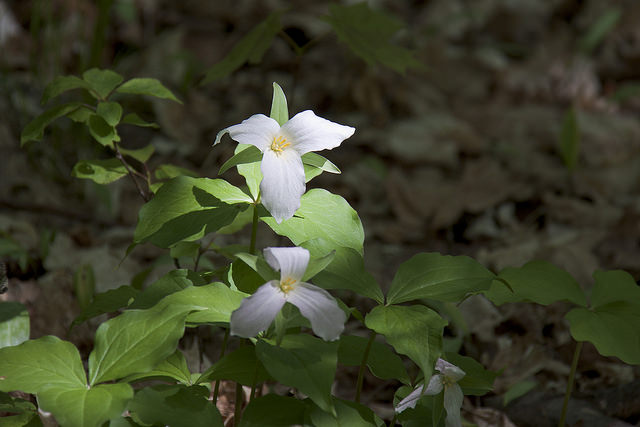
 As a follow up to the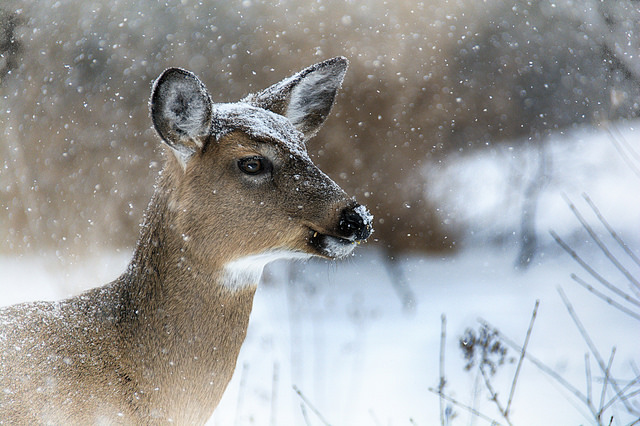
 Kanata Seniors' Centre Camera Club