
You can review Ted’s, Jay-Dee’s, and Debbie’s February Fix My Pic Submissions.
Category: Image Editing
An Introduction to 10 Basic Post-processing Tools and Techniques

- Date: Wednesday, January 29, 2025
- Time: 1:30 p.m. – 3:00 p.m.
- Location: Kanata Seniors Centre, Halls C&D
- Sign-up: Monthly KSCCC meeting on Friday, January 10, 2025
- Instructor: Ross Laing
This presentation is designed for anyone new to post-processing or photographers who are just starting to use post-processing. The presentation will look at common editing tools and techniques no matter which photo editing program you choose to use.
Deciding to edit your images using post-processing may seem overwhelming at first. Learning about how to make a few basic edits and using just a few editing tools and techniques can improve your photography significantly.
Some key concepts that will be introduced during the presentation will include the difference between Global Edits vs. Local (Selective) Adjustments, as well as brief “real-time” demonstrations of editing sample photos using specific editing tools and techniques, including:
- Basic Global edits: exposure, white balance, contrast, etc.
- Crop & Level
- Selections: Magic Wand: Quick Selection Tool
- Eyedropper & Brush tool
- Spot healing: Patch tool
- Clone Stamp
- Burn & Dodge
- Black & White conversion
- Free Transform: Perspective
- Sharpen
Ted’s Stop Motion Example

2024/2025 Workshops
Wednesday December 4, 2024 – Small Flash Workshop
Maximum number of attendees – 8 with 2 instructors (Ross and Manfred)
Attendees must own a small external flash (speedlight) that is compatible with their camera make and model and must know how to use it in TTL and manual mode. Flash must have a head that rotates at least 180 degrees.
This workshop is primarily aimed at intermediate photographers would want to improve their flash photography. We will cover issues with direct flash (camera mounted flash aimed at the subject), bounce lighting and basic off camera flash.
We will be working in groups of two, with one person being the subject and the other the shooter. Everyone will get a chance to shoot and be the model.
Signup: November meeting
Wednesday January 29, 2025 – 10 Basic Editing Tools in Post-processing
Maximum number of attendees – 30 with one instructor (Ross)
Ross will demonstrate 10 basic editing techniques that can be used by any photographer to enhance the images that come out of your camera. While Ross will be using Adobe software to demonstrate these techniques, the functions are available in virtually all other photo editing software.
Signup: January meeting
Thursday, March 27, 2025 – Uncovering and Refining your “Diamonds in the Rough” Images
Maximum number of attendees – 30 with one instructor (Manfred)
Demonstrate how to identify a strong image that just needs to be refined in post-processing. Attendees will be asked to submit one of their images (ideally in RAW format) to Manfred.
Some of these images will be analyzed and edited during the session to show the attendees their work can be enhanced in post.
Signup: March meeting
NOTE: The times of these workshops will be announced at a later date. The dates are firm.`
24/25 Annual Photography Challenge: Triptych

Definition:
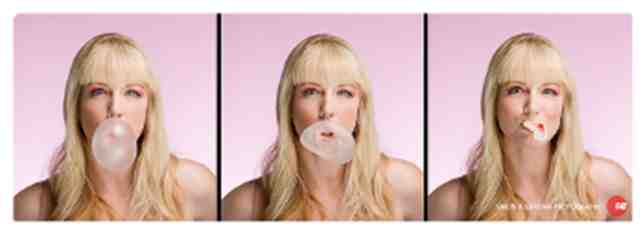
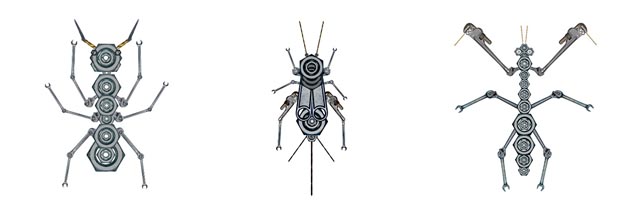
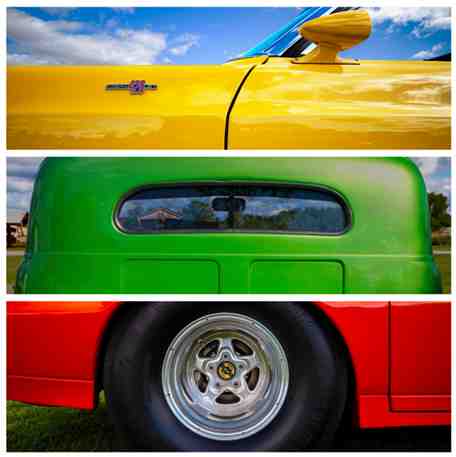
A triptych is an artwork made up of a series of three images. The three individual triptych images must be interrelated and can explore a particular subject, a specific style, a theme, or even one image that is “split” to create three separate images. In addition, a triptych can show a sequential progression, often suggesting a narrative with a beginning, middle, and end.
Purpose:
Ultimately, an effective triptych emphasizes the Gestalt concept of the whole being greater than the sum of its parts.
Background:
Triptychs were very popular artworks in the 15th century and usually depicted religious themes. They often had a larger central image with two smaller hinged images on each side of the large image. The two smaller images could be folded over the larger image and therefore protected all three images. More recently, triptychs are created photographic images.
The KSCCC Annual Challenge 2024-2025:
Shoot a photographic series that works as a triptych, whether 3 separate images or one image “split” into three individual images.
The triptych can be submitted as three separate images or as one image showing an amalgamation of the three images (i.e. a type of collage).
During the 2024-2025 season, there will be several short tutorials during Friday meetings on various ways to collate the three images to present them as one unified triptych image.
Submission Deadline: May 30, 2025
Presentation: June 6, 2025
PHOTOGRAPHIC TRIPTYCH SAMPLES:
HELPFUL LINKS:
Websites
- How to shoot a photography triptych
- Creating Triptychs With Your Photographs
- 12 Great Tips and Ideas for Triptych Photography
- Triptych art: thinking outside the box
- How to Split a Photo Into Multiple Frames
YouTube videos
- Have You Ever Tried Triptych Photography? Here’s Why You Should (15:33)
- Triptych Photography Shoot | Intimate Coastal Landscapes (13:58)
- How to Create a Triptych Artwork from Photography (13:57)
Ross Laing
Ted Timmons’ Lego Block Effect
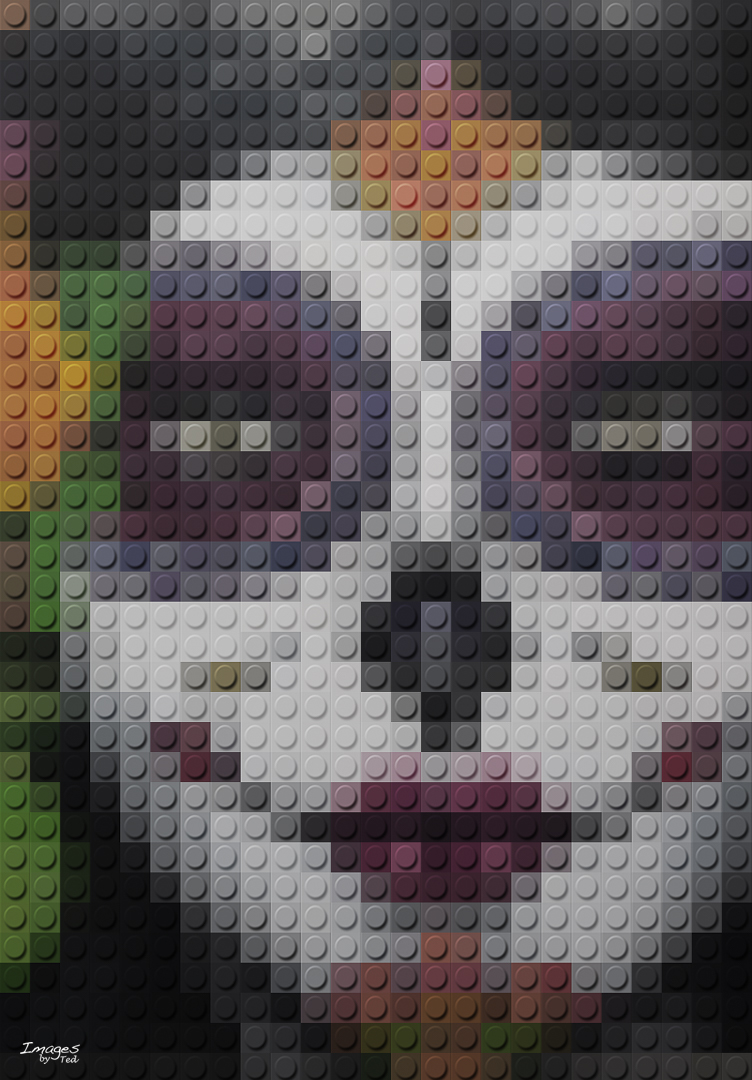
You can review the details of Ted’s excellent presentation here.
If you have Photoshop and want to try Ted’s technique yourself, you can download these files:
Manfred’s “Fix My Pic” Update
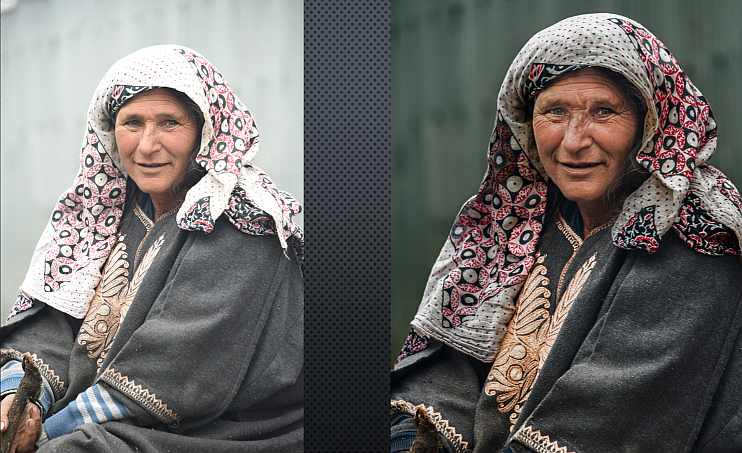
The slides from Manfred’s update on Fix My Pic are available here.
Watercolour Effect
In today’s meeting, we showed Amy Lo’s slideshow with examples of the watercolour effect.
The technique she used is explained in this video:
Slides from Manfred Meuller’s presentation on Panoramas

You can review the slides from Manfred’s excellent presentation on Panoramas by clicking here.
Bill Robertson
Fix My Pic for January Meeting
The Fix My Pic candidate for this month is from Ted Timmons. Images are available for download in dng, nef, and jpeg formats by clicking one of the formats in the list below then clicking on the download icon (a downward pointing arrow) in the upper right corner.
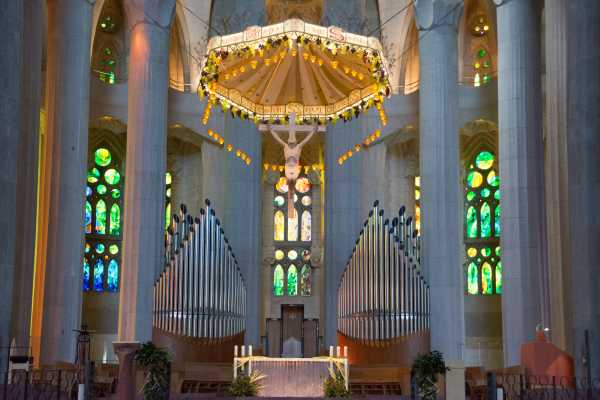
Due to the Holiday schedule, for this month only, submission of your “Fix” must be submitted by noon on Sunday, January 3rd.
Images must be emailed to the regular club email address: contact@ksccc.ca
Submissions should be renamed to:
Fix Ted's Pic by {your name}.jpg
In the event that you may not be able to participate in the meeting to provide your comments on what steps you did, please include some notes on your process.
John Williamson
 Kanata Seniors' Centre Camera Club