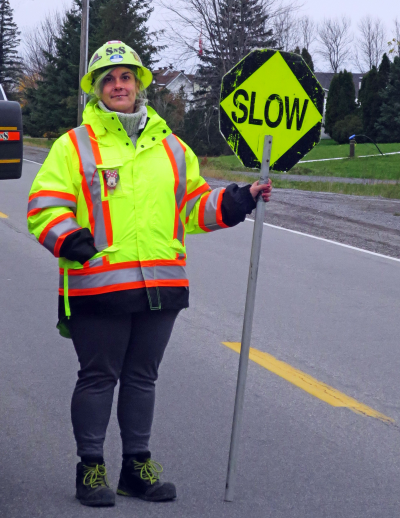
Congratulations to all the members who got out there and shot this month . The gallery from our October Street Photography challenge is now online here.
Street Photography Slideshow Now Online
Because we’re still meeting online in November, we are sharing the slideshow of images from our October Street Photography challenge online.
In order to view the slideshow full screen, please click Play (above) then on the word YouTube or click on this link.
Thanks again to Catherine Easton for creating this slideshow of our images and for her patience in dealing with all the technology challenges involved.
Link to November Meeting
Click here to join our November Meeting.
The dial in link is +1 226-315-5428 PIN: 987 510 688# This is a southern Ontario area code so long distance charges may apply.
The Google Meet “room” will be opened at 8:45 a.m. on Friday morning if you need to check your equipment and 9:00 a.m. to sign in for the meeting which starts at 9:15 a.m.
If you have any issues email us here and we’ll try to help.
View Presentation Full Screen in Google Meet
During an online meeting the presenter may wish to show a presentation to all members. Bill Robertson has created a video describing how to do this: View Presentation Full Screen in Google Meet.
Henry’s Camera Presenting in November
Chuck Desjardins and Vanessa Bradley from Henry’s Camera are presenting “New and Coming Soon Photo Gear” on Friday, November, 6, 2020.
Presentation Overview
- Introduction
- New Photo Gear “New and coming Soon”
- Product Announcements “Sigma new lenses + Olympus News”
- Mirrorless “Mirrorless VS DSLR”
- Improving Virtual Meetings “Zoom, Facetime, Microsoft Teams”
- Eye Focus “it’s a big deal”
- Pro Tips & Tricks “wildlife, landscape”
- Help + Gear Insurance
- Question period
Chuck and Vanessa’s biographies follow:
Continue reading “Henry’s Camera Presenting in November”Facebook Group
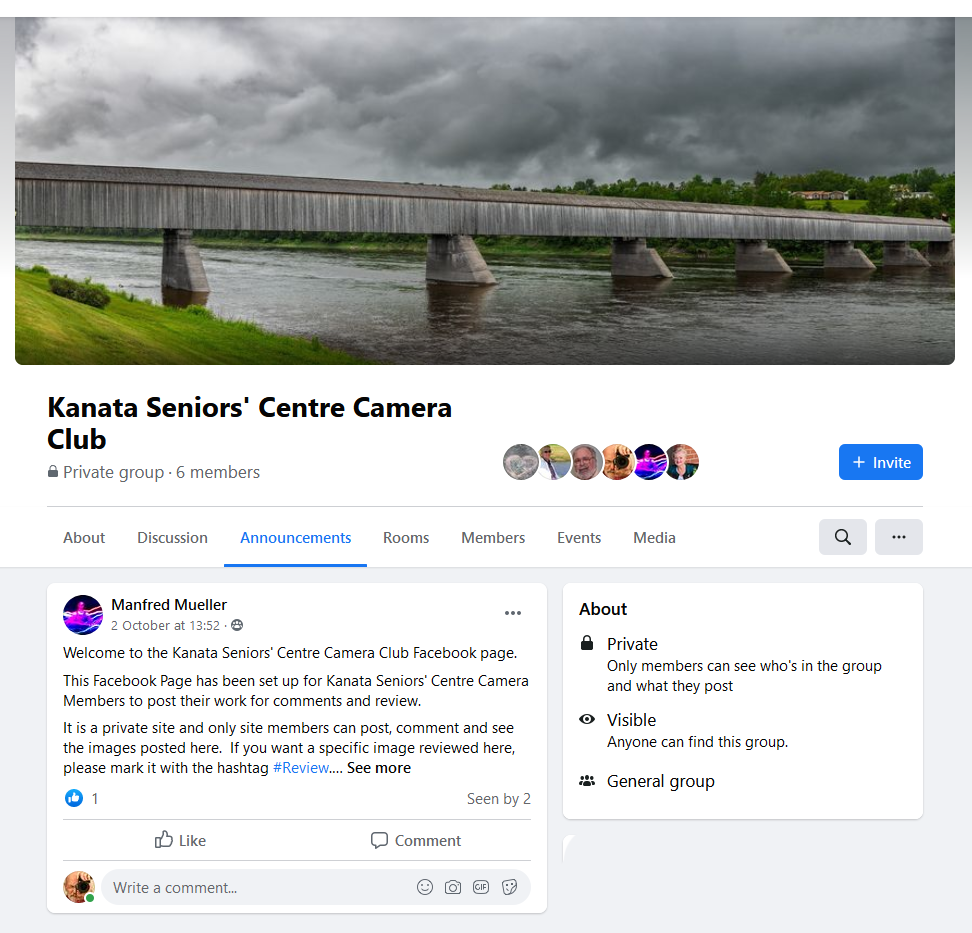
With the KSCCC having shut down live meetings due to the COVID-19 pandemic, one feature that we have been unable to offer our members is comments and critiques on their images. The KSCCC website is not a particularly good platform for this, so a few KSCCC members have been testing using a Facebook Group as a place to post images for review. This is an approach other photo clubs and photo sites are using.
Continue reading “Facebook Group”November Camera Club Meeting

The November meeting will be held online using Google Meet. For updated information on how to use Google Meet for our meetings go here.
A link to the meeting will be posted on our website the morning of November 5th. If you’re new to online meetings sign in at 8:45 a.m. to allow you to test your setup, otherwise sign in at 9:00 a.m. The meeting will start at 9:15 a.m.
The agenda for the meeting is:
Continue reading “November Camera Club Meeting”Online Meeting Best Practices
To get the most out of a virtual online meeting:
- Mute your microphone unless you are speaking to the group. If your microphone is on, avoid sound playing in room, especially music
- Disable your camera to minimize bandwidth requirements. If your camera is on avoid backgrounds with a lot of motion (ceiling fans, traffic out a window, etc.)
- If you have a question type it into the chat box
- Log in 30 minutes before the meeting starts if you need to test your set-up, otherwise log in 5-15 minutes before the meeting
- Notify the host using chat if something is not working
- To get the hosts attention try holding up a white card in front of your camera
- Use a headset/earphones/ear buds if you have them. The echo cancellers will thank you
- Use a headset with a microphone if you have one. Everyone will hear you much better than if you use the microphone built into your device or webcam
Online Monthly Meetings
With the cases of Covid-19 still a concern, the Executive of the Kanata Seniors’ Centre Camera Club have decided to continue to have the monthly meetings online using Google Meet.
The website has been updated to include information on Google Meet including Requirements for Google Meet Video Calls, How to Access a Meeting and How to Use Google Meet. For information on Google Meet go to the menu item Get Help/Online Meetings and our blog posts with the Article Tag “Online Meeting”
Send an email to contact@ksccc.ca if you:
- have any questions or problems with Google Meet;
- have any suggestions regarding meeting topics or format; or
- wish to present a slideshow during a future meeting.
Black and White Photography Slideshow Now Online
Because we’re still meeting online in October, we are sharing the slideshow of images from our September Black and White Photography challenge online.
In order to view the slideshow full screen, please click Play (above) then on the word YouTube or click on this link.
Thanks again to Catherine Easton for creating this slideshow of our images and for her patience in dealing with all the technology challenges involved.
Please accept our apologies for displaying the wrong slideshow during the meeting. The version we played cropped some of the images. The above slideshow displays the images as submitted by our club members.